
Contest Specifications

General rules
- All entrants must be 6th grade students or part of a mixed 5th/6th grade class as of the 2024-25 school year.
- All entrants must choose a topic that is part of the Utah SEEd 6th grade standards for space science (Standards 6.1.1, 6.1.2, and 6.1.3). Projects on other topics will not be accepted.
- All entries must be completely original work. No copyrighted material or photos not taken by the student may be used. Artificial intelligence (AI) systems may not be used.
- All projects must be the work of one student only. No group projects will be accepted for this first year of the contest.
- Each entry must be accompanied with a Parent Consent Form (available from the Forms Download page) that is signed by the student, teacher, and a parent or guardian agreeing that:
a. The student’s submitted entry and photographs taken at the award ceremony may be used for promotional purposes for the contest and for Clark Planetarium.
b. The student’s entry may be used for statistical and research purposes, with the understanding that no identifying information regarding the student will be used or included other than for demographic purposes.
c. The entry is entirely the original work of the student. - Students must include a project description with their entry by filling out the Student Description Google form (linked on the Forms Download page) or by answering the following questions:
a. A brief (one paragraph) description of the project and the science concepts it portrays.
b. Why did you choose this particular topic, medium (software), and approach?
c. What did you learn about the topic while completing this project that was not known before?
d. What challenges did you encounter and how did you overcome them?
e. What did you learn about digital media software or science communication while working on this project?
f. In what ways do you consider your project to be creative? - If students are competing as part of a class, they must present their projects to their peers for evaluation using the Peer Critique form, then make revisions. The teacher will then send on the final projects to Clark Planetarium along with descriptions and consent forms.
- Students may submit entries in more than one category, but the same rules apply for each entry including a separate signed consent form and project description for each entry.
- The contest begins Sept. 3 (after Labor Day) and continues until Dec. 20, 2024. All entries must be received no later than end of day (5:00 pm) on Friday, Dec. 20, 2024. Please send files to David Black at DVBlack@slco.org. All projects must be in a digital format, and either the original file or a link to it must be sent by the student’s teacher.
- Prior to the beginning of your three-week project period, your teacher will have you complete a pre-test Google form on the concepts in the SEEd space science standards (Strand 6.1). After the four week contest period, you will be asked to complete a post-test form as well. These tests will be used to determine how much you learned through this project as part of a doctoral dissertation research project as explained in the consent form.
- Students will have three weeks to plan, build, and evaluate their projects as determined by their teachers. They may watch the training videos before this three weeks. After peer evaluation, students will have an additional week to make revisions and present their projects a second time to their teachers. Teachers will then send in the top three projects in each media category.
- The education staff at Clark Planetarium will judge the projects using the same criteria as the Peer Critiques and will make suggestions just as the peer evaluators do.
- The students who create the top three projects in each category will be invited, along with their teacher and parents, to an awards ceremony at Clark Planetarium in February 2024.
The consent form is available on the Forms Download page. A parent must sign with each student entry and the student and teacher must sign to certify that the project is original work. Please email the completed forms to: DVBlack@slco.org or your teacher can mail them to: David Black, Clark Planetarium, 110 South 400 East, Salt Lake City, Utah, 84101. No project will be accepted without a signed consent form.

Rules for Each Category of Media:
A. Digital art or illustration:
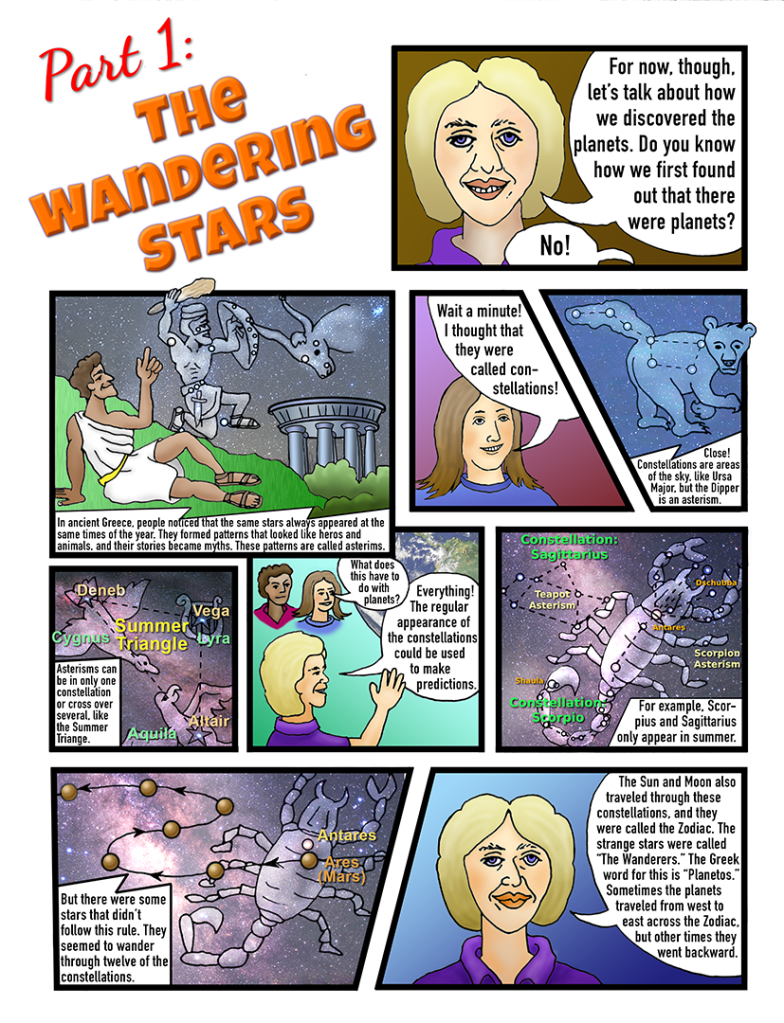
- Examples: Diagram, illustration, comic strip, graphic novel, etc.
- Students create original diagrams or illustrations that show understanding and teach about one of the space science standards from the Utah SEEd standards (6.1.1, 6.1.2, and 6.1.3). Any submissions not on these topics will be eliminated.
- The illustrations or diagrams must include appropriate captions or text explaining what they mean.
- All text and artwork must be clean and easily readable. All captions must use call-outs (lines) to point to the appropriate part of the diagram or easily readable text balloons.
- There should be good use of design principles including use of balance, symmetry, color, white space, flow, and hierarchy.
- Illustrations or diagrams must be original and not a copy of existing work.
- The work can be done partially by hand using fine art skills but must be scanned or photographed into digital software such as Photopea for cleanup and editing.
B. Desktop published document or written essay:
- Examples: brochure, newsletter, flyer, advertisement, infographic.
- It can include original illustrations and should have a good balance between images and text.
- Proper grammar and spelling must be used.
- No AI systems can be used to create the final text.
- This can be written as a speculative essay, a scientific article, a transcript of a personal interview, a short story with illustrations, a travel brochure, or digital poster with charts and figures.
C. Digital presentation:
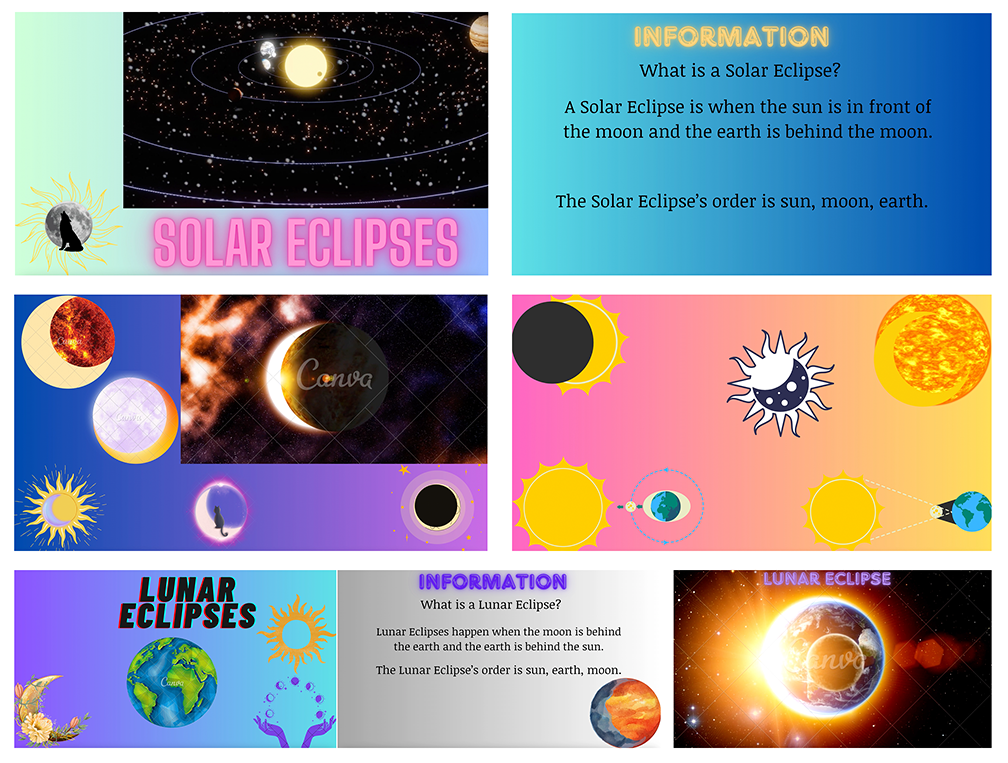
- Examples: Slide show, animated slide show, zooming slide show, etc.
- Browser-based software such as Canva, Prezi, Animaker, or Powtoons can be used.
- All text and images must be original work.
- There can be captions or other text to explain the work, but this category must be primarily visual.
- There can be some fine art parts, but the primary medium should be digital.
- Try to avoid the same old Powerpoint slide show. Be creative and unique, and remember that this slide show must stand on its own without you there to narrate it. Don’t merely put black Arial text on a white background; think of the whole color scheme, fonts, etc. and include images or charts in every slide.
D. Audio podcast or interview:
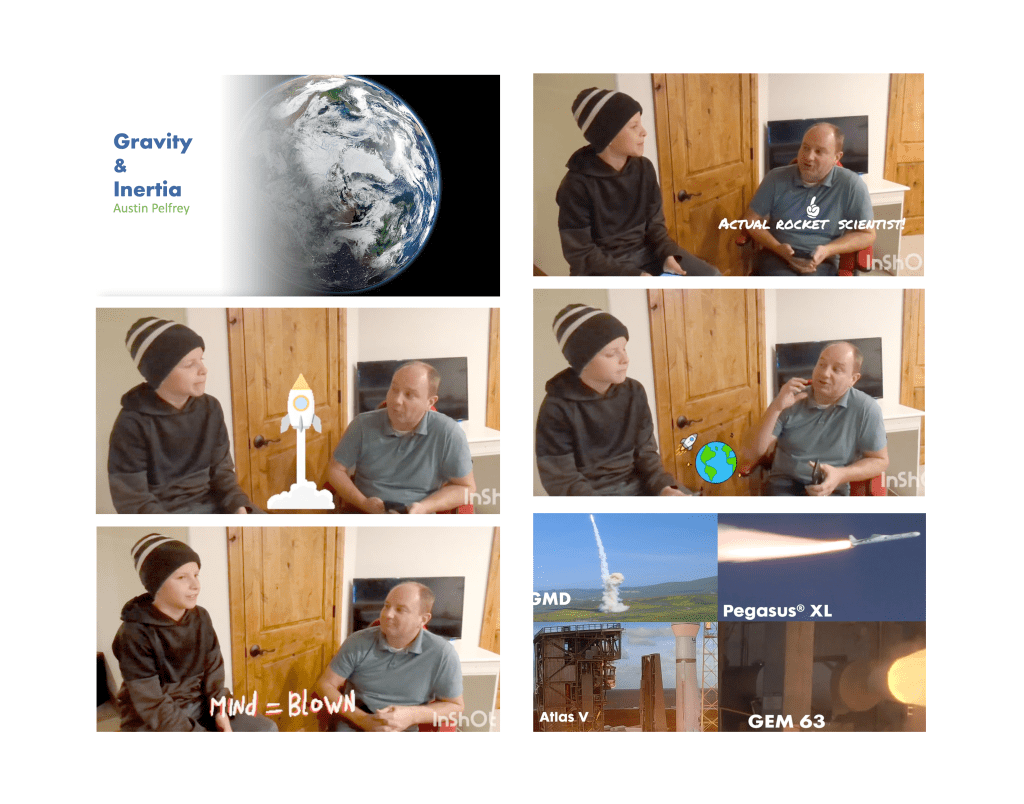
- Using a camera or computer microphone or digital recorder, create a podcast or interview a scientist on a topic related to the three 6th grade SEEd space science standards.
- Pay attention to audio quality, including extraneous sounds (like ventilation noise). Make sure all parts of the audio are clear and easy to hear and understand.
- The audio can be edited as needed and does not need to be one continuous take.
- For interviews, make sure the questions are also included and not just the answers.
- The total length should be no longer than five minutes.
E. Video:
- The video can be in narrative (scripted and acted) format or it can be a documentary-style report, a public service announcement (PSA), an interview, a simulated news broadcast or special report, or other video format but it cannot be a video of a slide presentation – that will be counted in the presentation category.
- It should be no more than five minutes in length.
- Pay attention to both video and audio quality, including lighting, camera resolution, editing, pacing, and file format. It should be done in landscape format.
- It can include images, captions, and special effects but should be primarily video.
- It should be edited in video editing software such as iMovie or WeVideo and saved in a common file format such as .mpg4 (H.264) or .mov.
- Remember that the message and how well it communicates science principles is more important than acting or special effects.
F. 3D Model:
- The model should originate as a virtual (as in a model created using Tinkercad or SculptGL or other program) model but can be 3D printed.
- It should include materials with colors, textures, etc. and good lighting. Including complete scenes will provide context.
- Make sure it is saved in OBJ or FBX format with materials included or make renders of the model from several angles and use them as images.
- You should include labels, captions, or other text to describe the model and its parts, how they operate, and how they fit into the SEEd space science standards for 6th grade.
- If it is 3D printed, make sure it includes physical labels. Painting the printed model with acrylic paint or nail polish will be helpful, but be certain to do a careful job.
G. Animation:
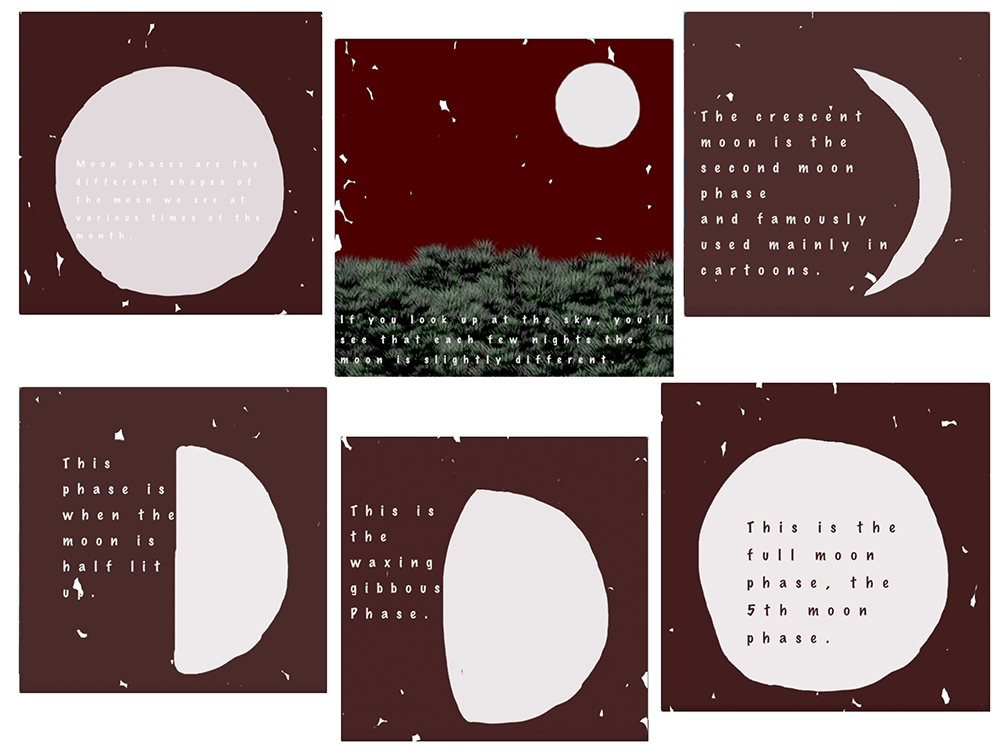
- An animation can be a digital movie or created as a series of images as in a stop-motion animation or flip book that are photographed and placed into video software. It can be in 2D or 3D.
- The frame rate should be smooth enough to provide the illusion of continuous motion without long pauses between frames. This is usually set at 24 frames per second or higher, but can be as low as 15 frames per second for stop-motion animations.
- Include captions or text to explain what is happening, or record narrated audio to edit into the final movie. This text should be neat and preferably typed up.
- It should be edited in video editing software such as iMovie or WeVideo and saved in a common file format such as .mpg4 (H.264) or .mov.
- It should be no more than two minutes in total length.
H. Interactive program such as a game or webpage:
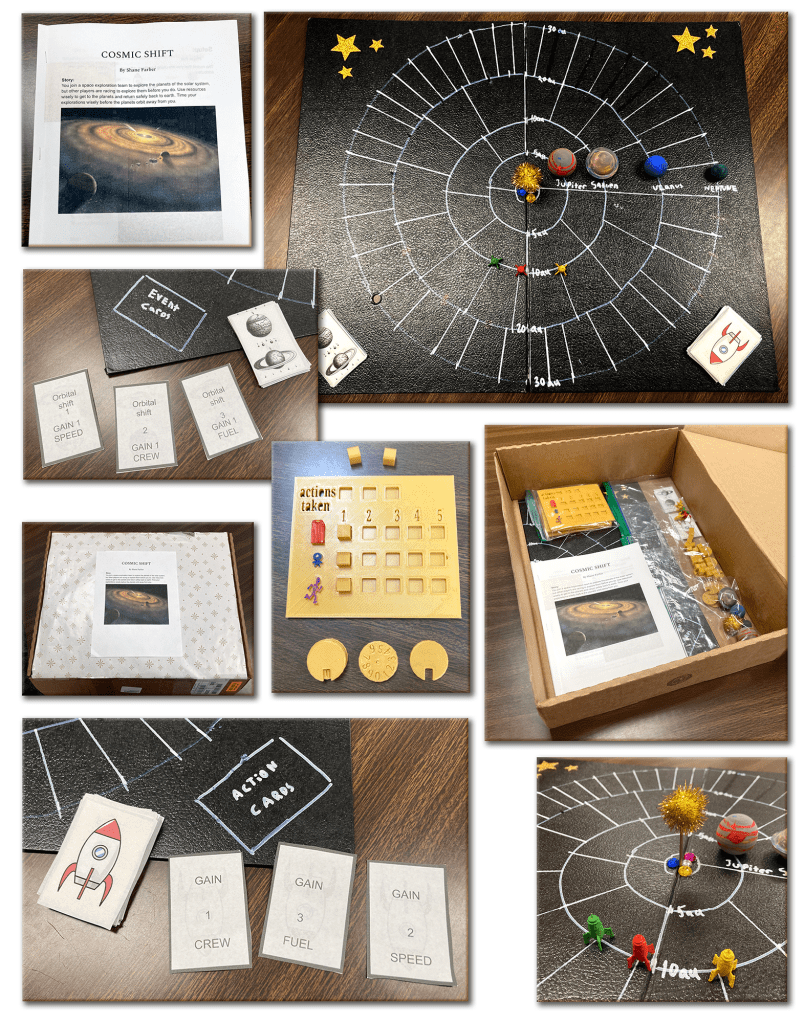
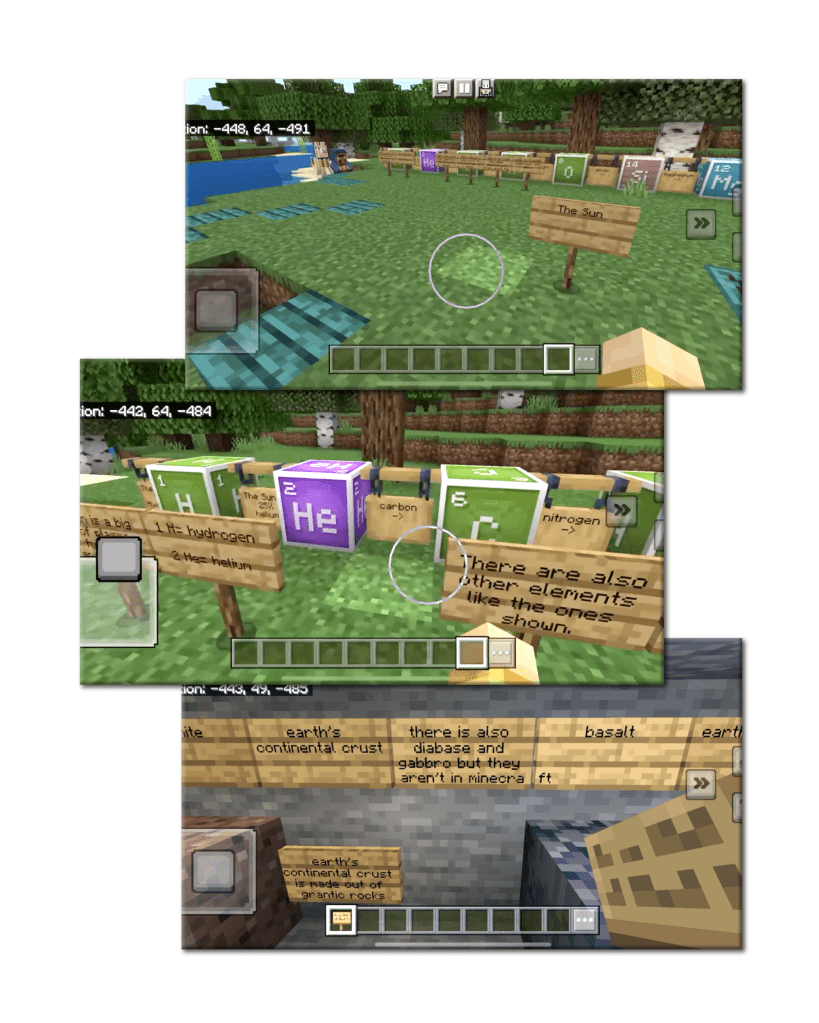
- Although scientists don’t usually communicate by building games, they do create computer programs, software, and web pages. For this category, the game can be physical as in a hand-designed board game or it can be done using online software such as Scratch, Construct 3, Wick Editor, or AppLab or use desktop programming software such as Python or Javascript. You could create an original Minecraft mod or other game mod.
- The format and type of game is up to you, but you will need to describe the rules and how the game is played in your description, along with screen shots of the game and/or photos of people playing the game. The game should be playable on its own without you there to describe the gameplay or rules.
- Include a text file or screen shots of your programming code if the game is online and send a link to the actual game.
- If you create a physical board game, include the rules and images of the board, cards, or other features of the game. Send photos of people playing the game.
- The game only needs to have one level, but the game must be based on scientific principles and concepts from the three SEEd space science standards.
- If you use Wick Editor to make a game or interactive website, it must have appropriate frame pauses and programming. It should be exported as an HTML file which will allow it to play inside of a web browser.
 The Creative Science Classroom